On your phone · Tedooo OS for iPhone
Your whole company. One tap away.
Tedooo OS for iPhone shows what needs you across support, marketing and code, delivers each item as a native push, and gives every one the same four answers: approve, change, talk or skip. Tap the circle and say what you need.
iPhone · native push notifications · voice · available to organisations on Tedooo OS through TestFlight
- 4 answers
- approve, change, talk or skip, on everything
- Push
- for escalated tickets, creatives to review, agents with a question
- Voice
- a real call to the assistant, with barge-in
- Your Mac
- its board and terminal, paired over LAN or Tailscale
Overview
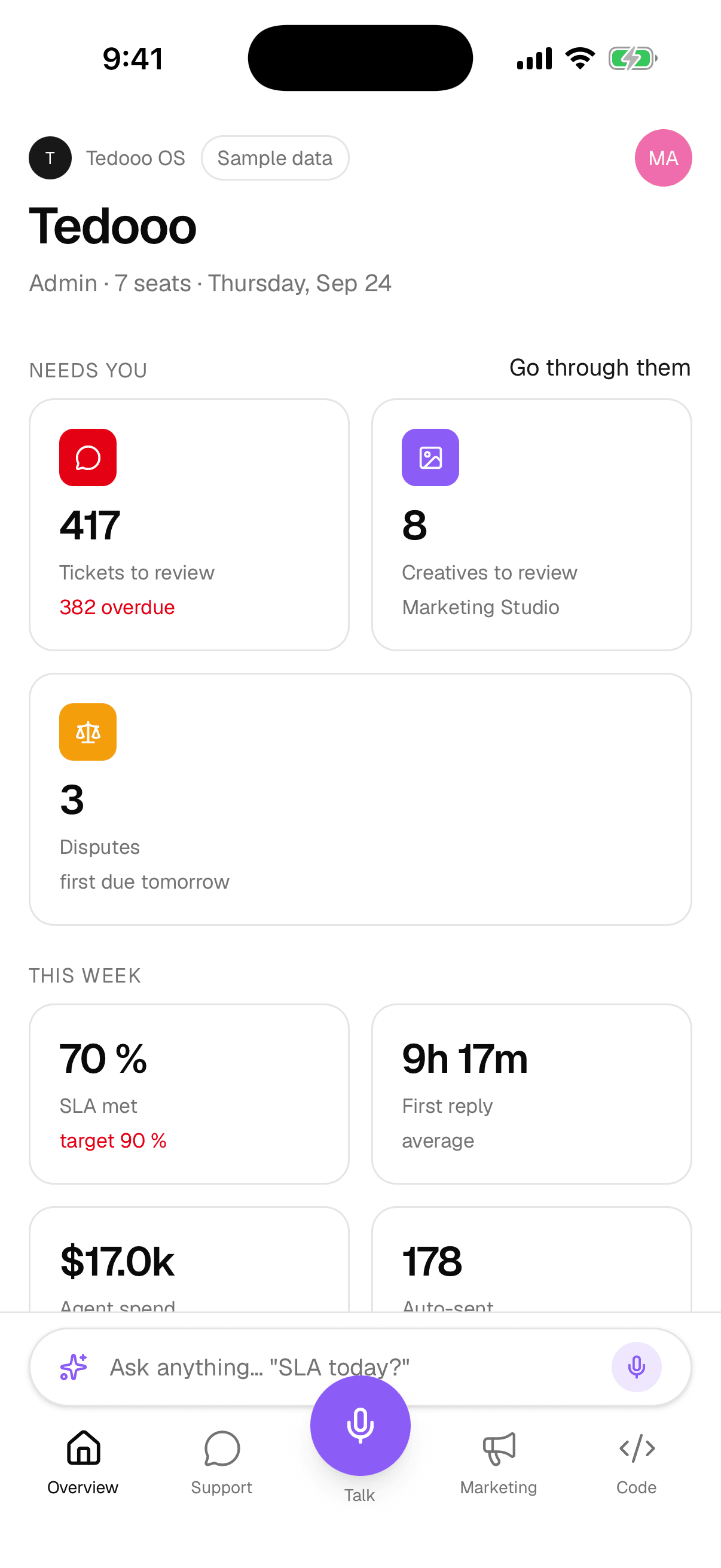
What needs you, before you ask
Tickets to review, creatives to approve, agents with a question and disputes with a deadline, as tiles with a number each. Under them, the week: first reply, agent spend. Suggestions propose where to start, and “Go through them” takes the pile one item at a time.
- Tabs follow your teams: support, marketing and code appear when you are in them
- An Ask bar on every tab: “how many came in today?”
- Switch organisations; light, dark or system theme
Support
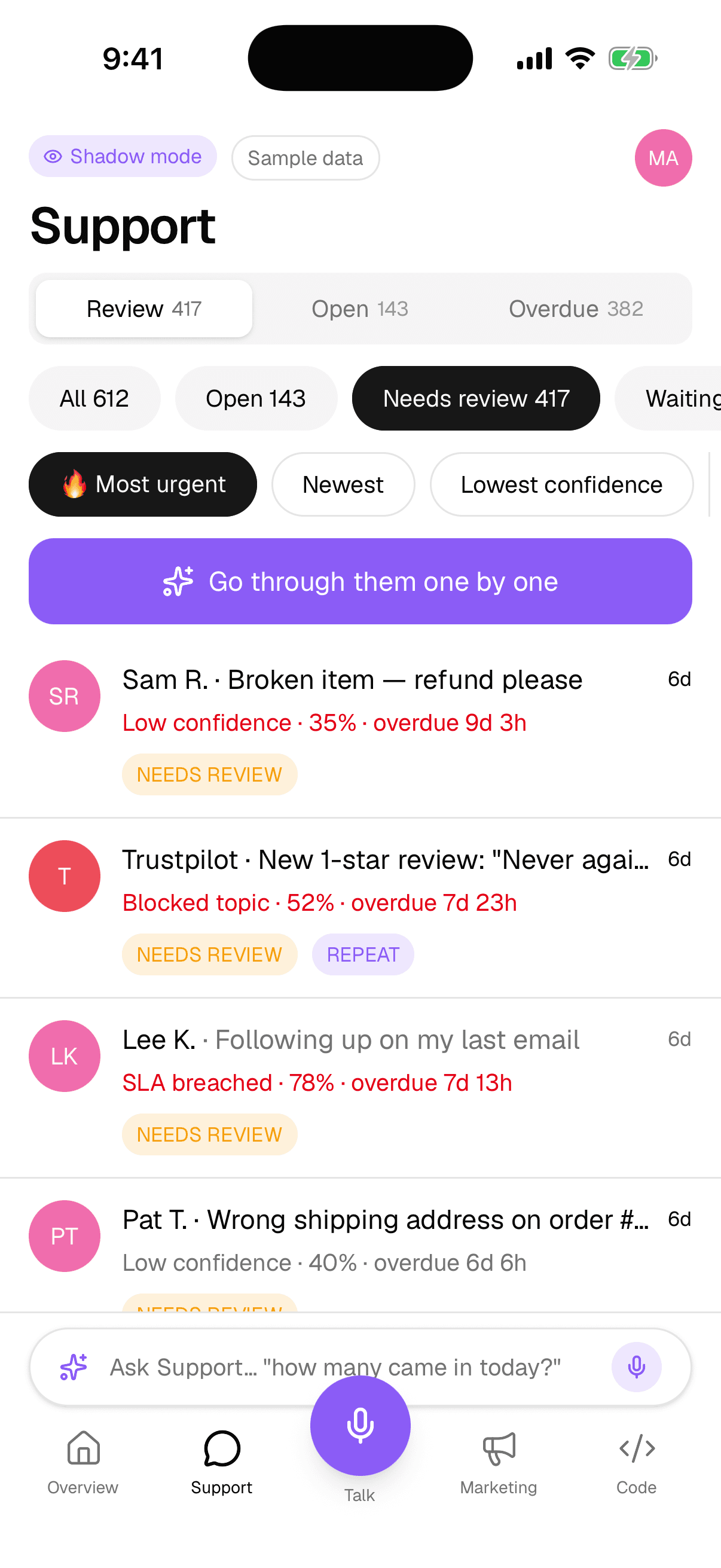
The support queue, sorted by what needs a person
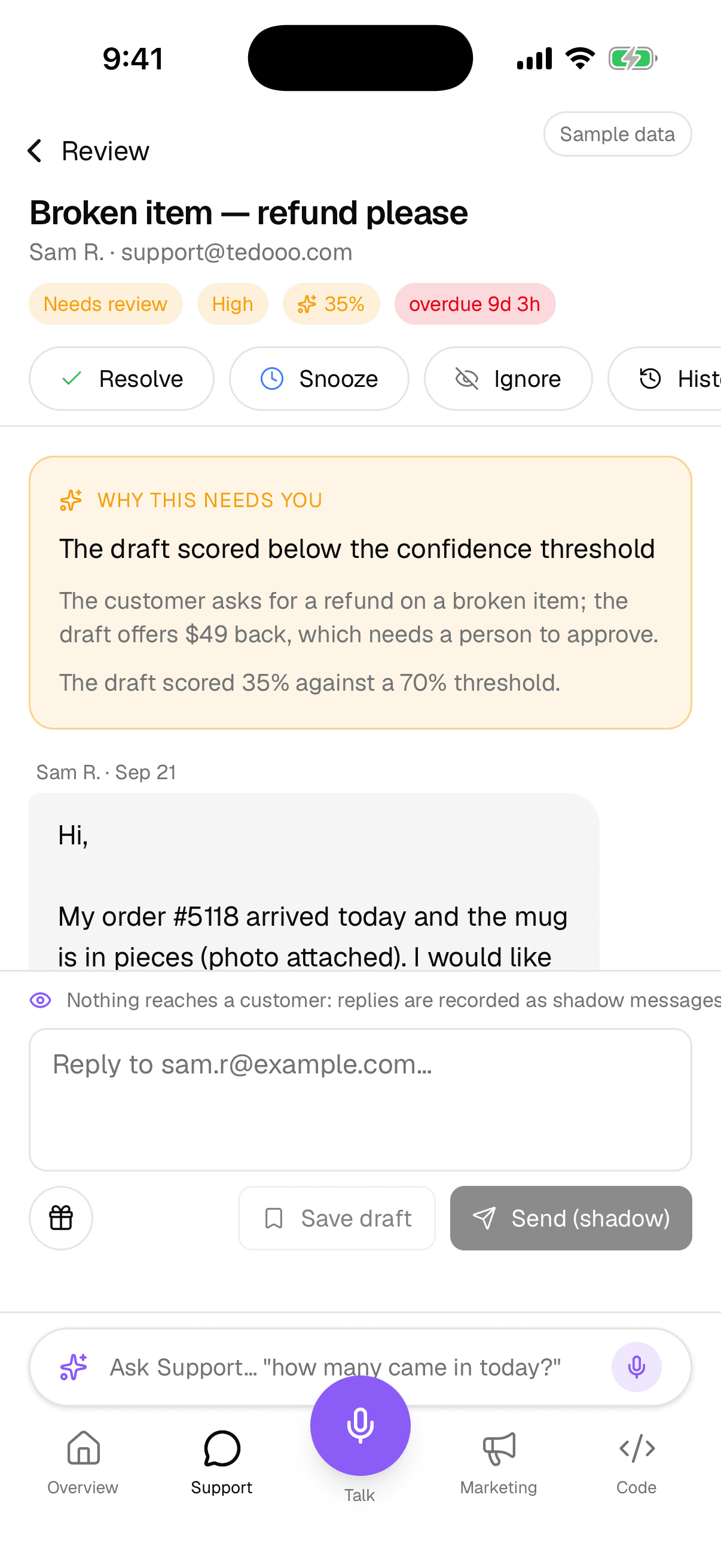
Review and open, with the same urgency sort as the desk: priority first, then the lowest confidence. Open a ticket to read why it needs you, the conversation and the drafted reply; adjust the draft, attach a coupon, snooze, escalate. Look up an order, a parcel or a dispute without leaving the tab.
- Needs review and repeat-sender badges
- Drafted for you, with the confidence score
- Shadow mode respected: nothing reaches a customer while it is on
Talk
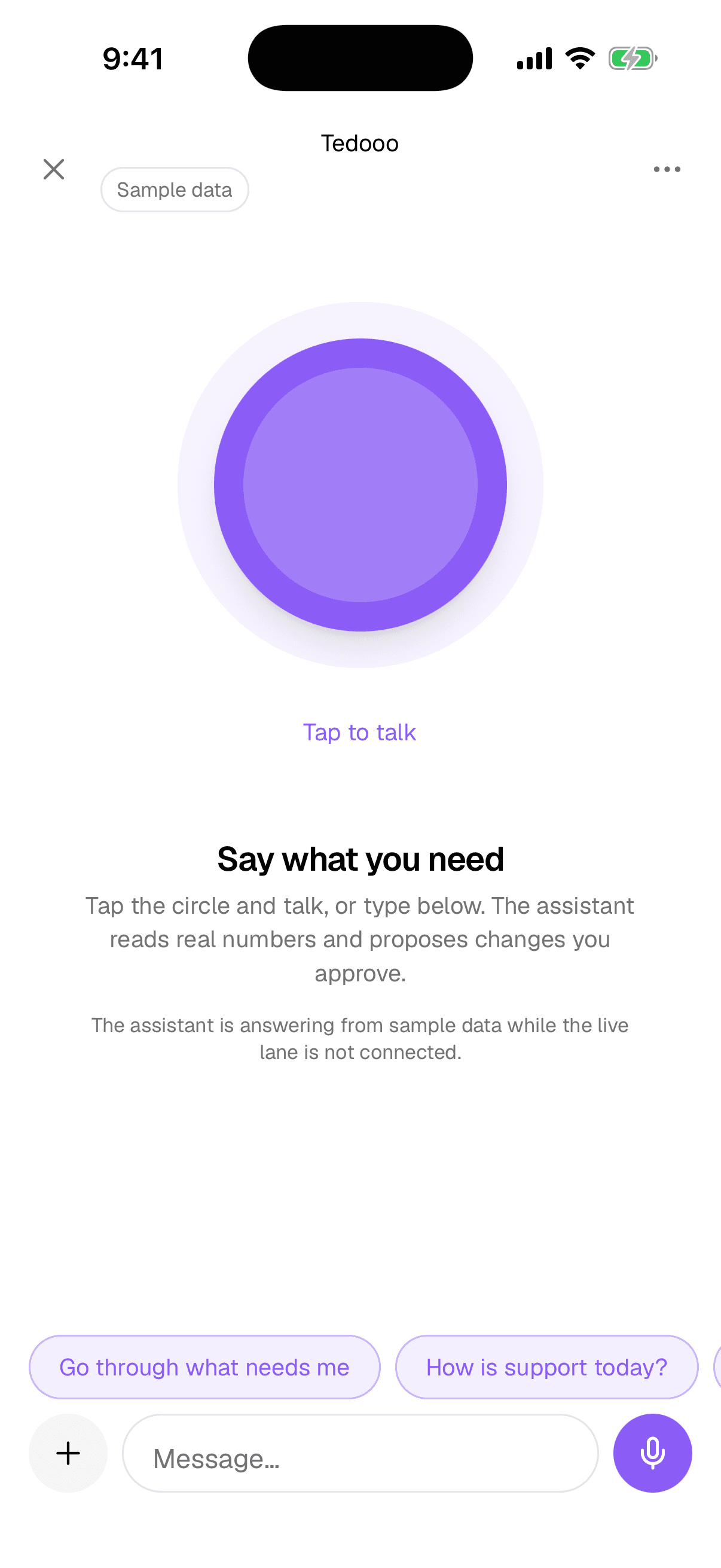
Say what you need
The circle in the middle of the tab bar is a call. Tap it and talk; the assistant reads real numbers, proposes changes as action cards, and waits for your approve. It survives the app going to the background through the system call screen, and you can type instead.
- Action cards in tiers: read, reversible, customer-facing, needs Face ID
- Chips to start: “Go through what needs me”, “How is support today?”
- An Undo toast on anything reversible
Marketing and Code
Approve a cut, answer an agent
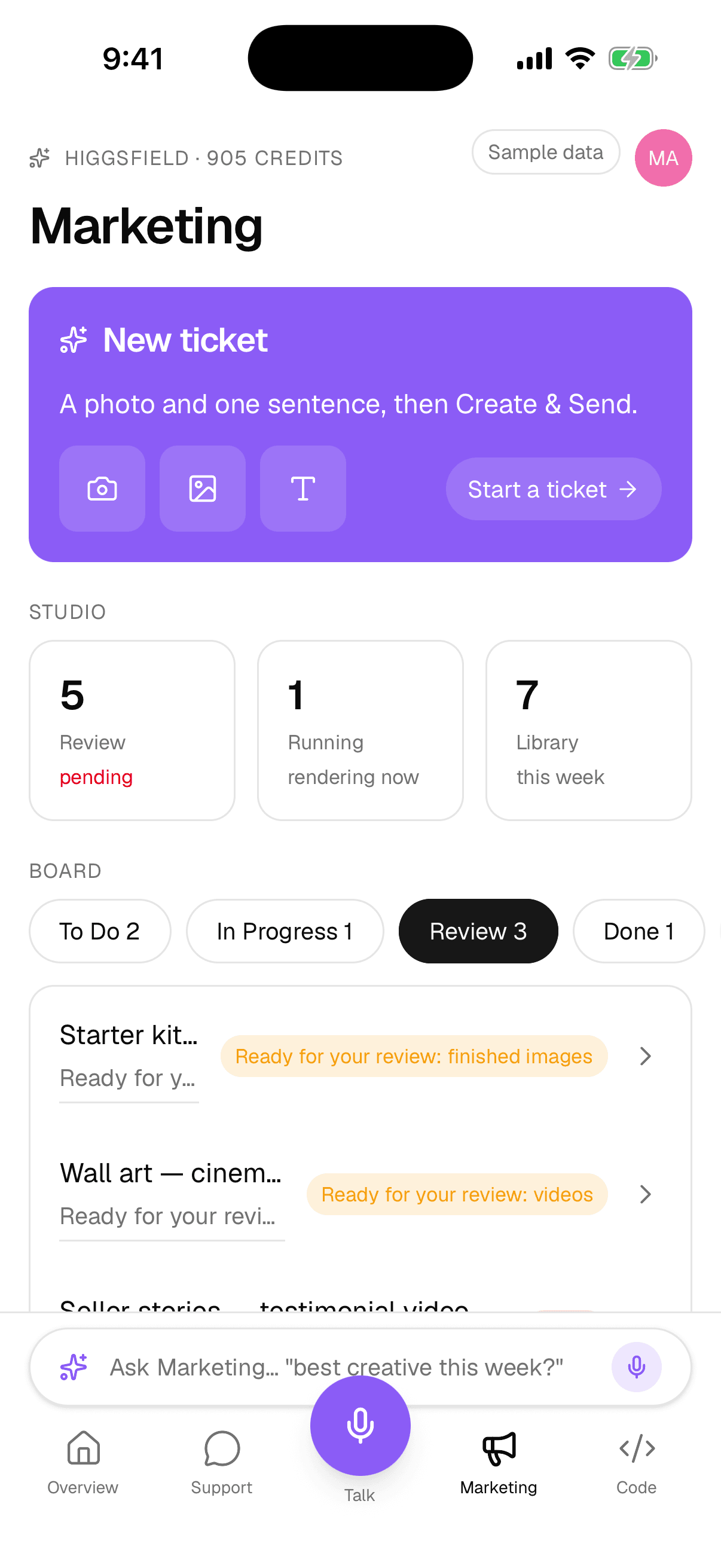
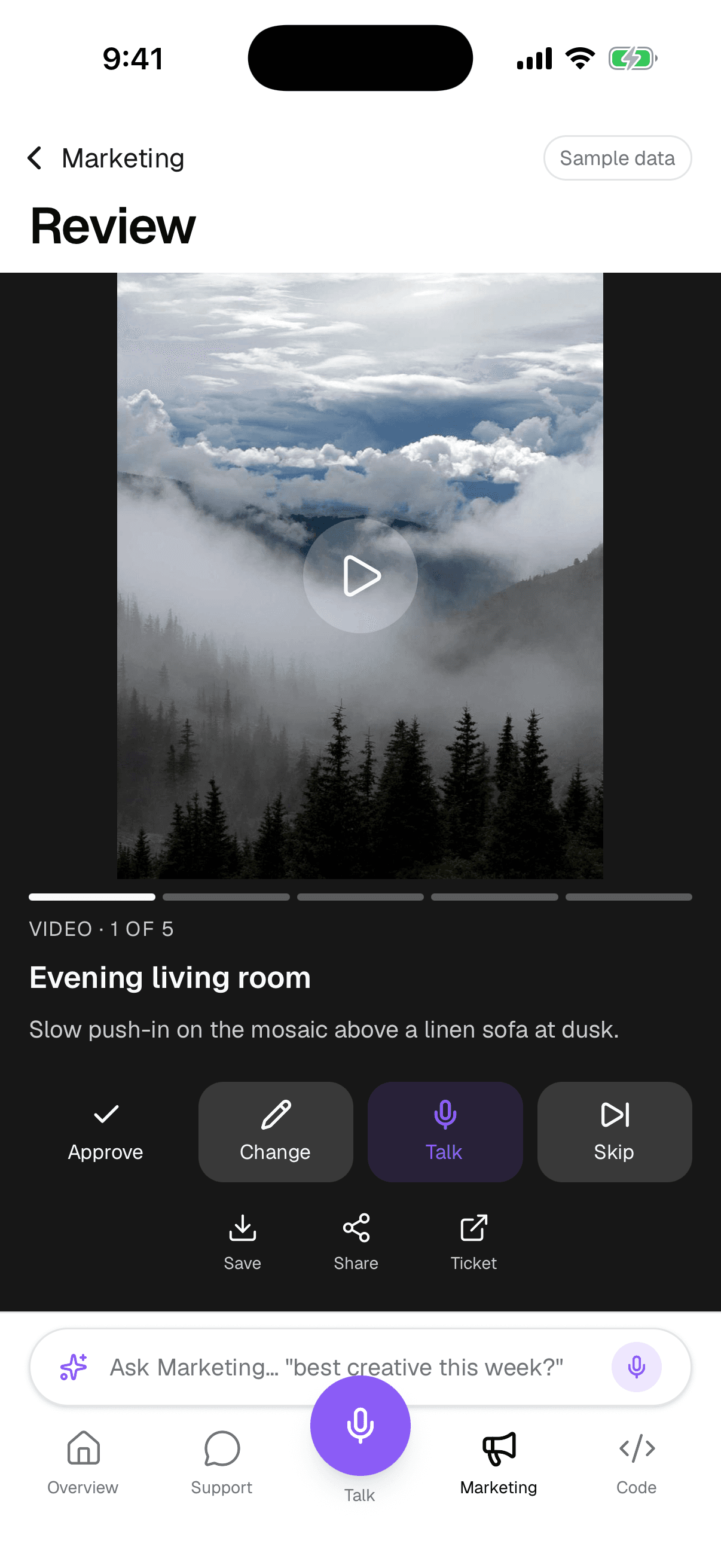
Marketing shows the board and a full-screen review feed with inline video: approve, decline or skip, save to Photos. Code pairs with your Mac and shows its board, a session’s terminal or transcript, and the prompts an agent is waiting on: a command to approve, a permission, a question, a plan to implement. Create a pull request from the phone when it is done.
- Push when variants are ready or an agent has a question
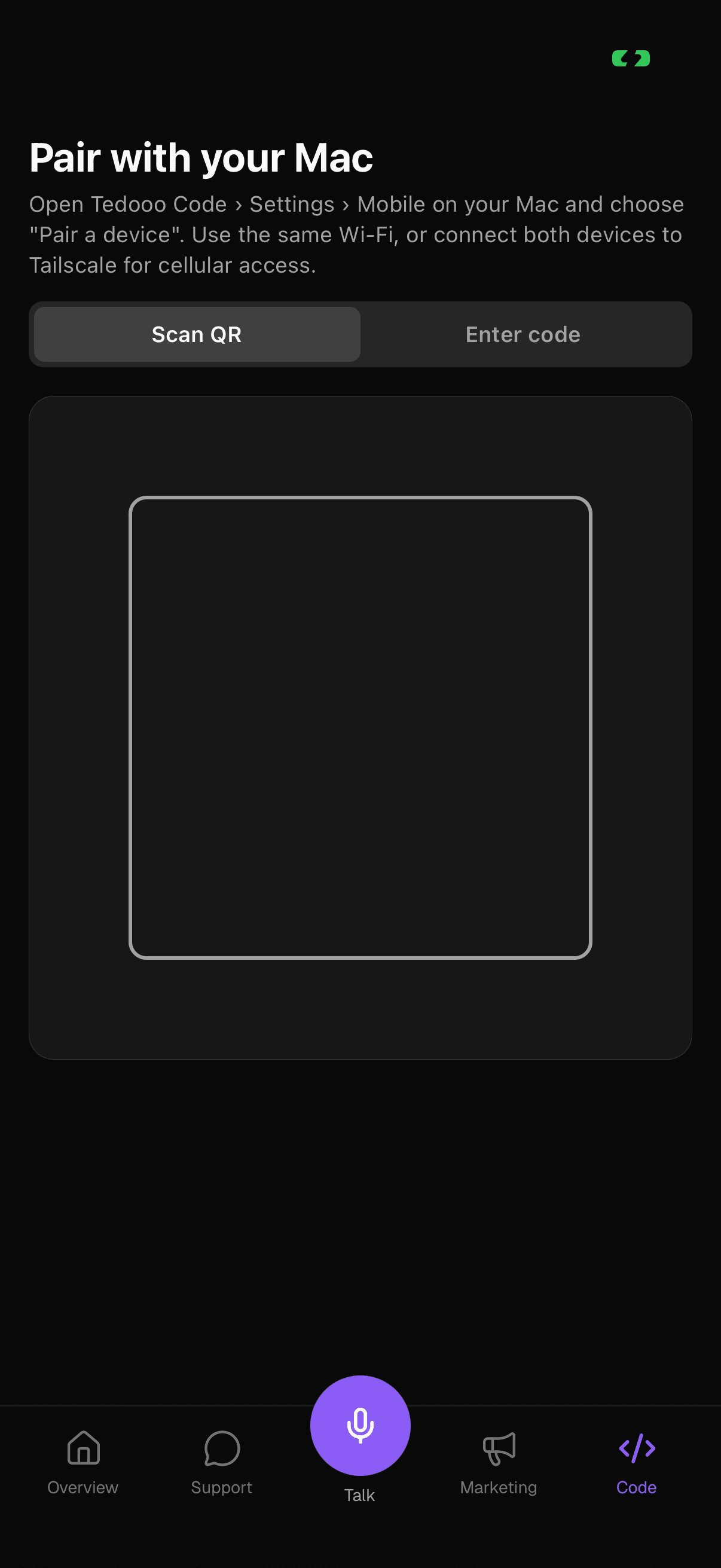
- Pair by QR code or a code, over the same Wi-Fi or Tailscale
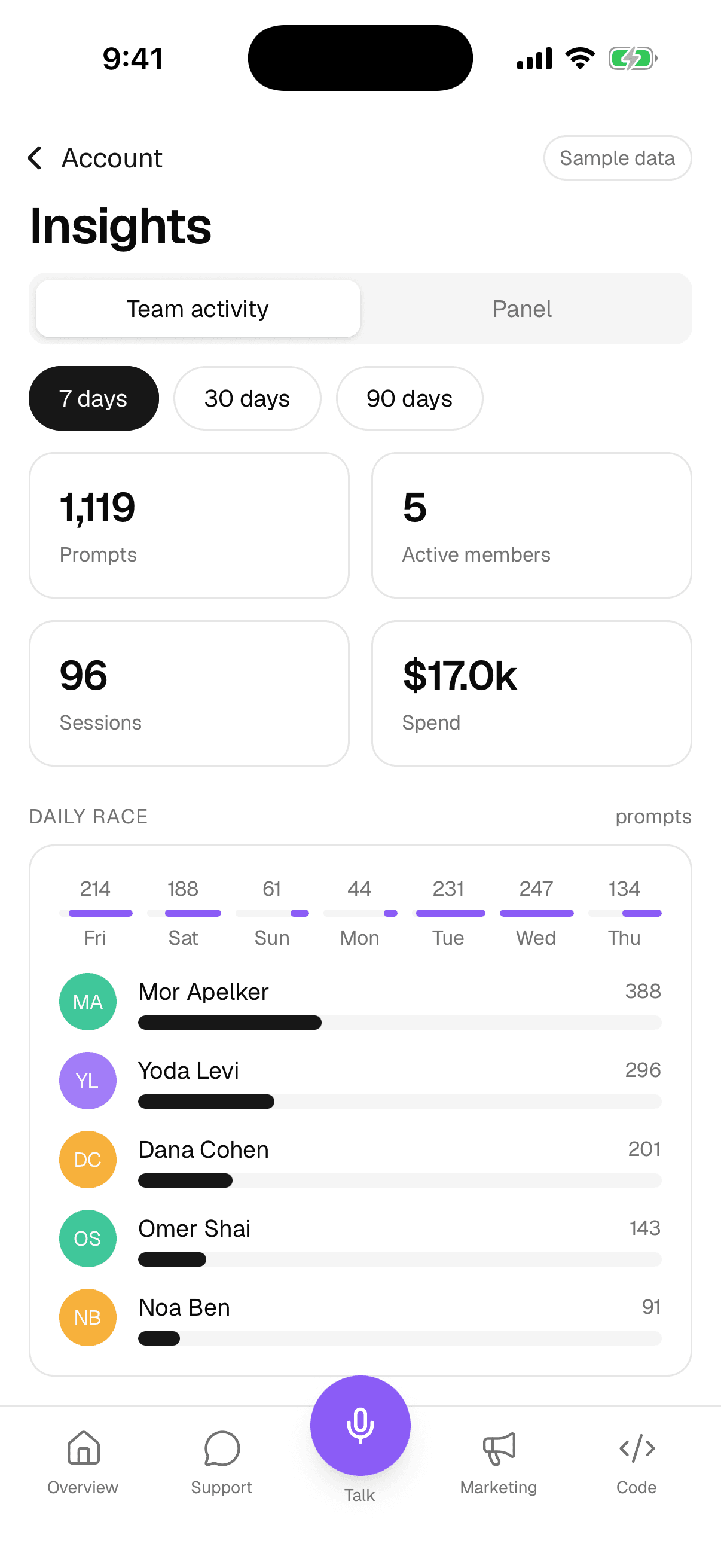
- Insights: team activity and the Panel home board
Everything in the box
A native app, not a wrapped website
Built for the phone: push, the call screen, Face ID and the share sheet.
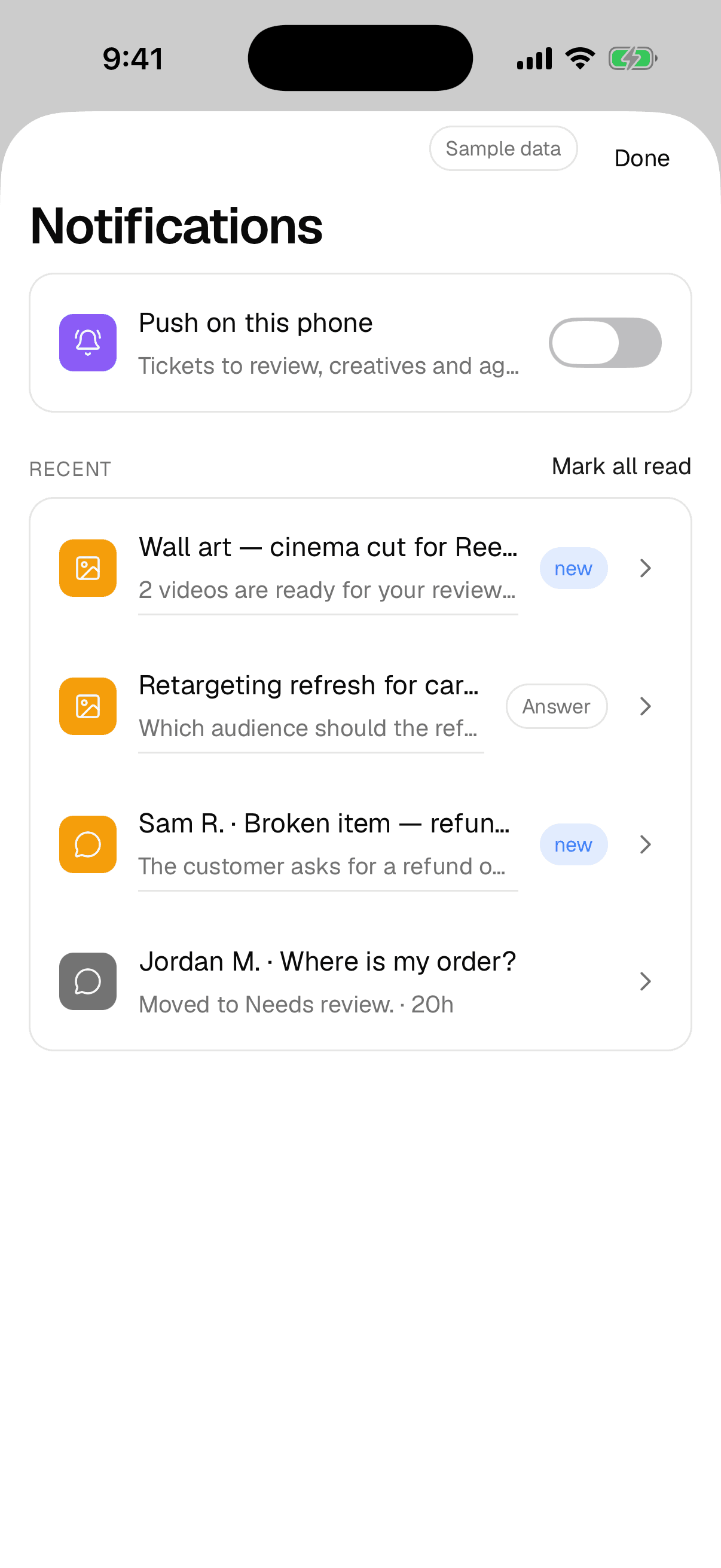
Push on this phone
One switch in Notifications; the newest registered phone gets the pushes. A tap opens the right screen.
Recent feed
Every notification, with Review and Answer badges, and mark all read.
Devices
See the phones and Macs signed in to your account; sign one out remotely.
Team
Members, teams and invitations, from the phone.
Credentials
A read-only health check of the organisation’s connected providers.
Look up
Shopify orders, Tedooo Logistics parcels and Stripe disputes from the Support tab.
Review feed
A full-screen pager for variants, with inline video and Save to Photos.
Session view
A terminal mirror with a key bar, or the transcript, of a session on your Mac.
Pull requests
Generate the description, create the pull request, attach an existing one, merge.
Better on Tedooo OS
The phone is where the OS asks you things
Every other app can wait for a person; the phone is where the person is.
- Tedooo Support
Escalations, drafted
A ticket escalated, moved to Needs review or assigned to you is a push, with the draft ready when you open it.
Tedooo Support - Marketing Studio
Reviews, full screen
Variants ready for review are a push; the feed plays the video inline and takes your decision.
Marketing Studio - Tedooo Code
Agents, answered
A ticket reaching Review or an agent with a question is a push; approve the command or answer from anywhere.
Tedooo Code
For the organisation
Under the control of your admins
What the console decides for this application, for every member.
- Signed in as the person, with the organisation’s roles and permissions
- Tabs strictly from team membership, updated live when an admin changes teams
- Pushes sent only by the website; no push key ever lives on a phone or a Mac
- Devices listed per account, with remote sign-out
- Face ID required for actions that move money or cannot be undone
- Shadow mode and permission caps from the console apply on the phone too
FAQ
Questions, answered
Put the OS in your pocket
Book a demo and we add your team to TestFlight.
The rest of Tedooo OS
- EngineeringTedooo Code
Every coding agent, every project, one prompt.
- MarketingMarketing Studio
Creatives planned, rendered and reviewed. Meta ads read and ranked.
- Customer supportTedooo Support
Every ticket drafted, scored and sorted by urgency.
- AnalyticsTedooo Panel
Product analytics with your business data beside the events.