Download
Get the Tedooo OS apps
Every Tedooo OS app in one place: Tedooo Code, Tedooo Support and Marketing Studio for macOS, the web apps for Support, Marketing Studio and Panel, and Tedooo OS for iPhone. One Google sign-in and one organisation for all of them; every desktop app updates itself.
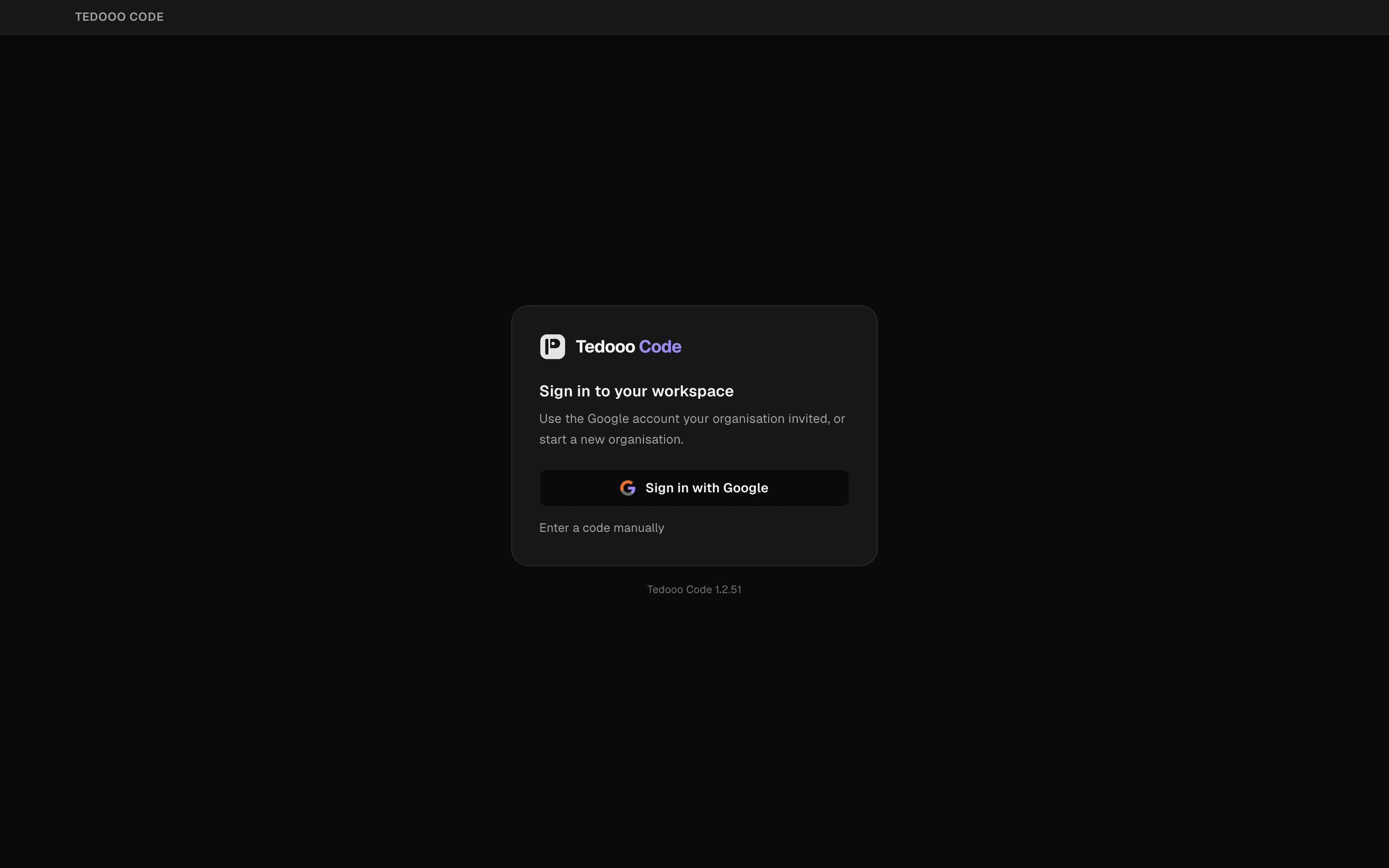
Engineering · Tedooo Code
Tedooo Code for macOS
One app for Claude Code, Codex, OpenCode and any agent CLI, signed in to your organisation. Apple silicon and Intel builds.
Apple silicon · Version 1.2.117 · Intel Mac?
Published 21 October 2026 · Release notes
| Build | Disk image | Archive |
|---|---|---|
| Apple siliconM-series Macs | DMG772 MB | ZIP769 MB |
| IntelIntel Macs | DMG782 MB | ZIP780 MB |
- A Mac with Apple silicon or an Intel processor
- A Google account: Tedooo Code signs in to your Tedooo OS organisation
- At least one agent CLI installed: Claude Code, Codex, OpenCode, or any other as a custom provider
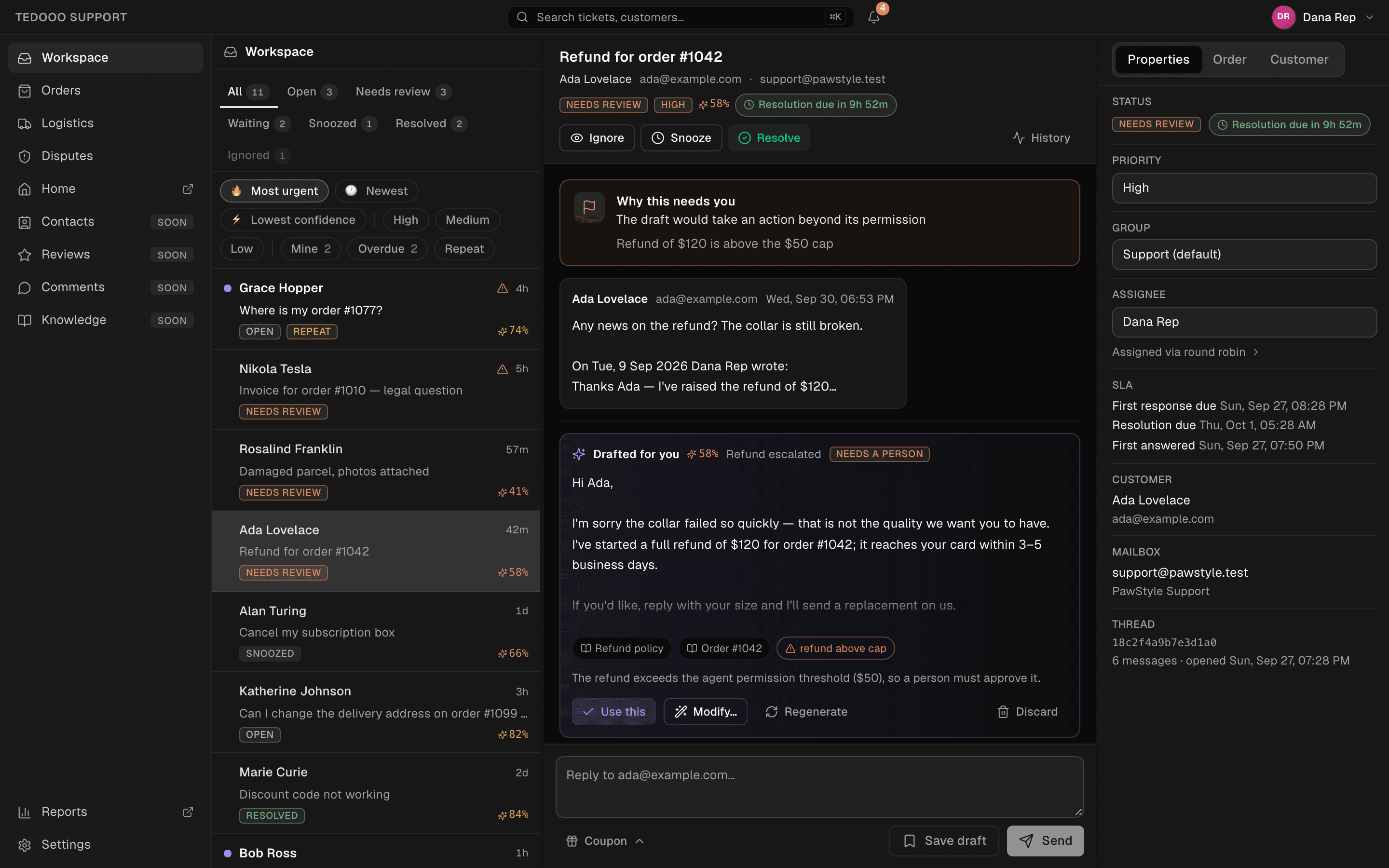
Customer support · Tedooo Support
Tedooo Support, in the browser or on your Mac
The support desk runs at support.tedooos.com in any browser, and as a macOS app for Apple silicon and Intel. Both share the same queue; the web app can be added to a phone’s home screen.
Apple silicon · Version 1.0.2 · Intel Mac?
Published 13 September 2026 · Release notes
| Build | Disk image | Archive |
|---|---|---|
| Apple siliconM-series Macs | DMG112 MB | ZIP111 MB |
| IntelIntel Macs | DMG121 MB | ZIP120 MB |
- A Google account with the support.access permission in your organisation
- Mailboxes and integrations are connected by an Admin in the console
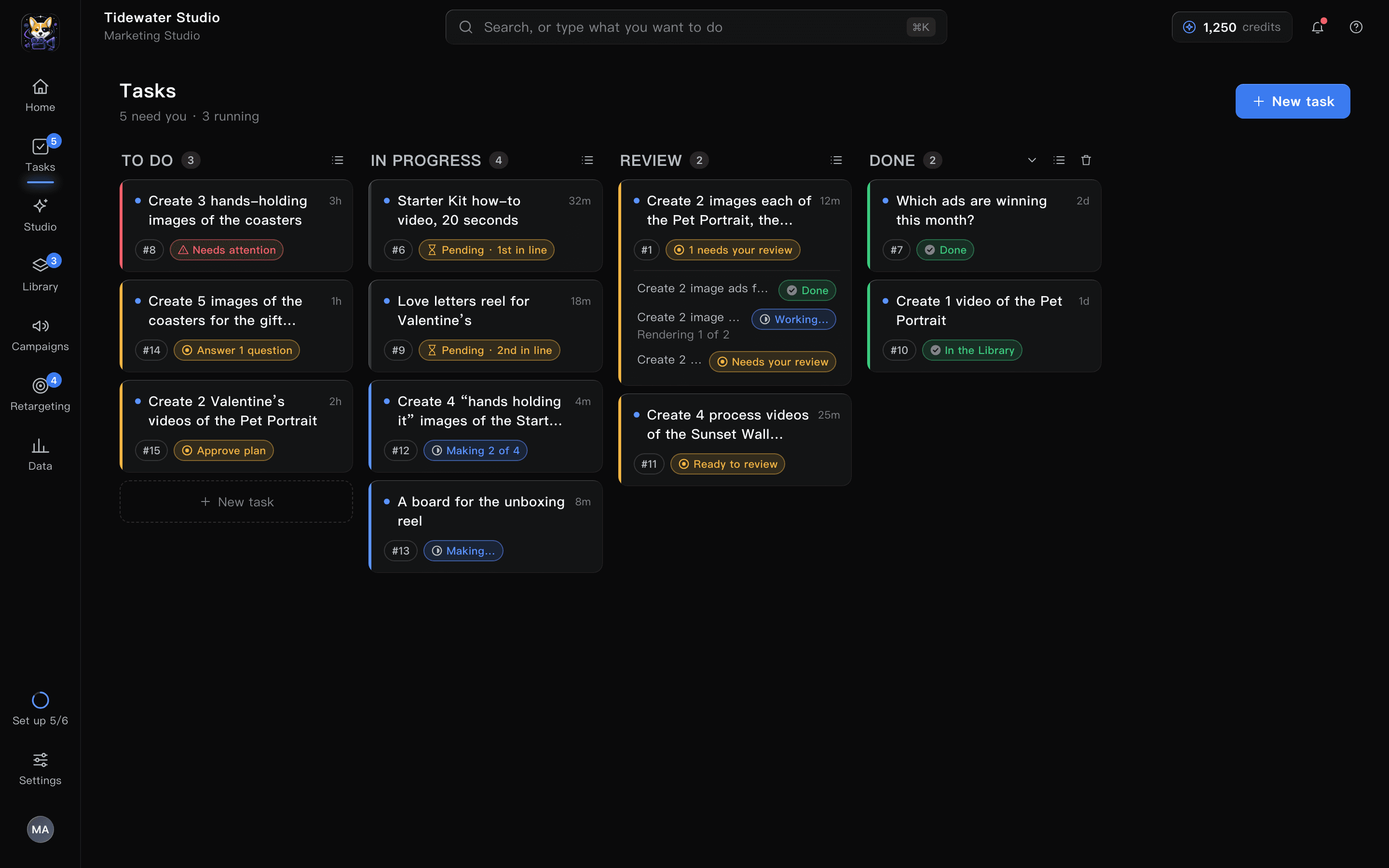
Marketing · Marketing Studio
Marketing Studio, in the browser or on your Mac
The studio runs at marketing.tedooos.com in any browser, and as a macOS app for Apple silicon, with the same live board in both.
Apple silicon · Version 0.1.41
Published 20 October 2026 · Open the web app
- A Google account in a Tedooo OS organisation
- The brand, the products and the Meta account are set up by an Admin in the console
- The macOS app ships for Apple silicon only
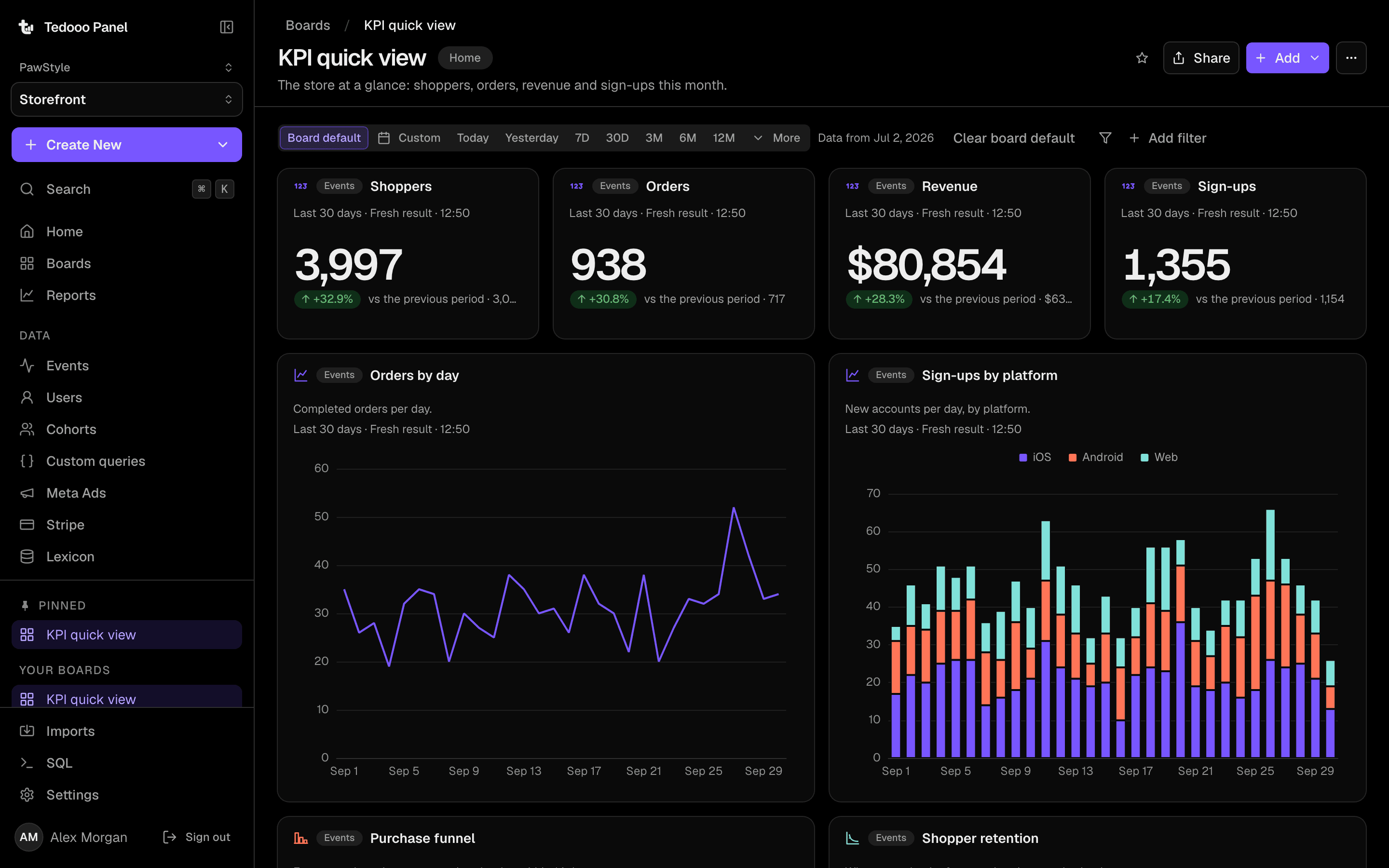
Analytics · Tedooo Panel
Tedooo Panel, in the browser
Panel is a web app at panel.tedooos.com. Nothing to install: create an analytics project in the console, point the SDKs you already ship at the new host, and sign in.
- A Google account with analytics.view in your organisation
- A project key from Analytics › Projects in the console
On your phone · Tedooo OS for iPhone
Tedooo OS for iPhone
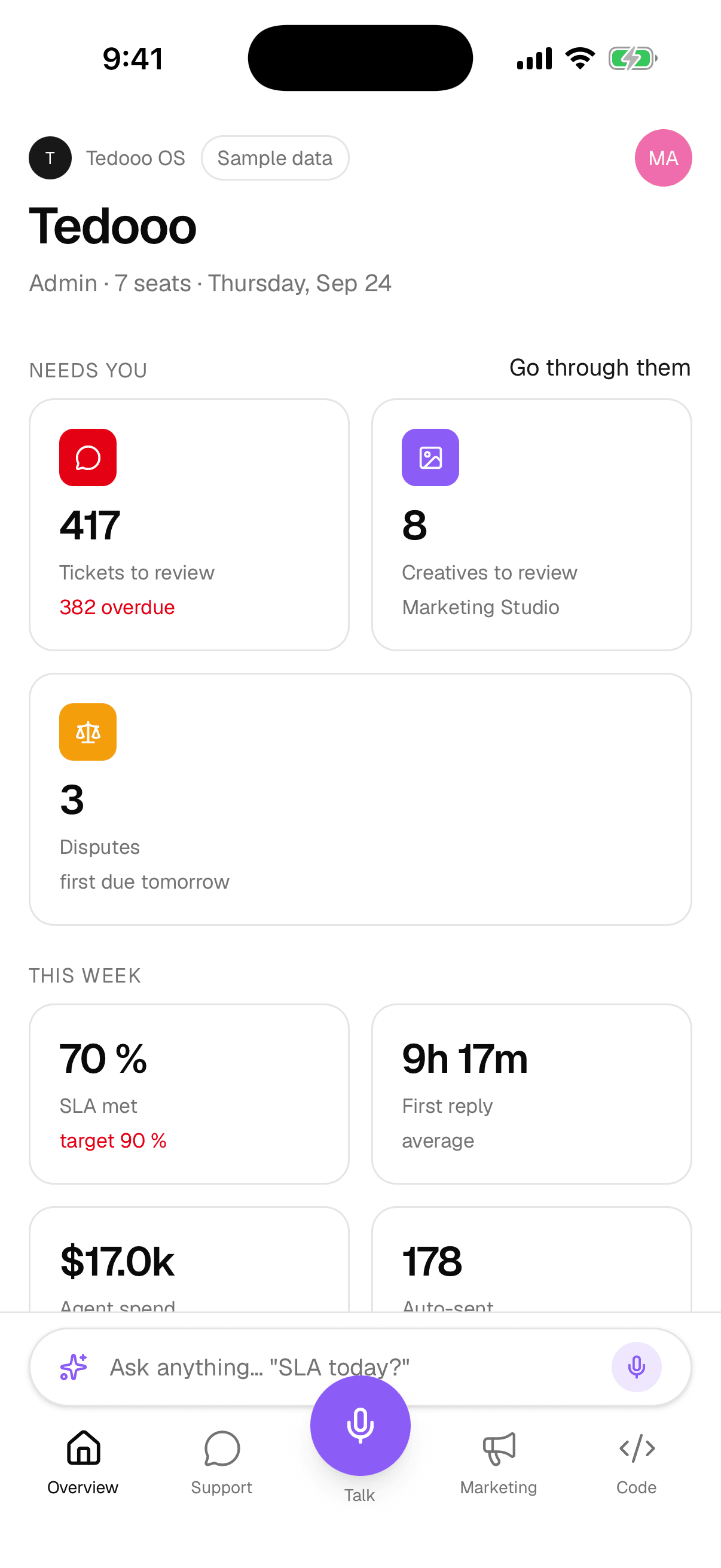
The phone app is distributed to organisations on Tedooo OS through TestFlight today. Book a demo or write to us and we add your team; you install it from the TestFlight invitation.
- An iPhone with TestFlight installed
- A Google account in a Tedooo OS organisation
- For the Code tab: Tedooo Code on a Mac on the same Wi-Fi or a Tailscale network
Updates
The desktop apps check their release feeds shortly after launch and every few hours; an update downloads on request and installs when you quit. The web apps are always current. An organisation can require a minimum version of Tedooo Code; members on an older build are asked to update before they continue.